Adding a New Event
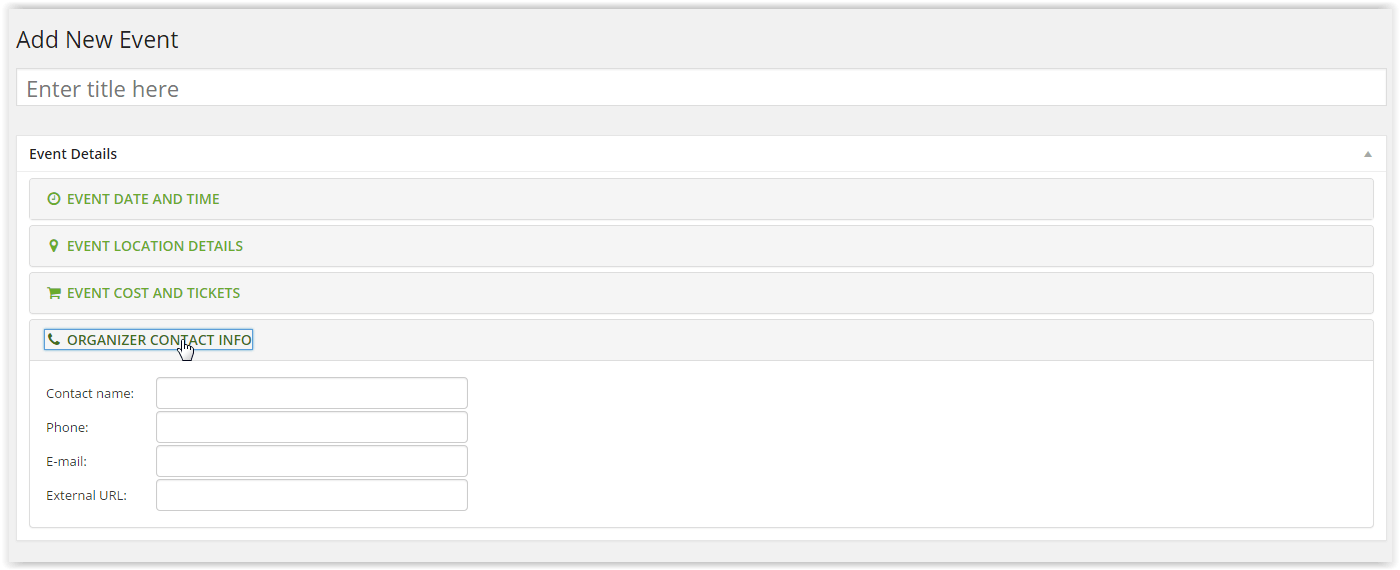
Log in to the WordPress Dashboard, then Event>Add New. Give the event a title, and then populate the Event Date & Time section

Next populate the Event Location Details section, filling in the venue name and address fields (inc postcode) and choose to show Google Map

Then fill in the Event Cost and Tickets section

Next populate the Organizer Contact info section with Contact Name, Phone Number and Email. External URL can be left blank if it’s an internal event.
Next move to the right hand side of the page to Event Categories & check each Category Box that the event falls under. You can select multiple categories. Don’t forget this step!

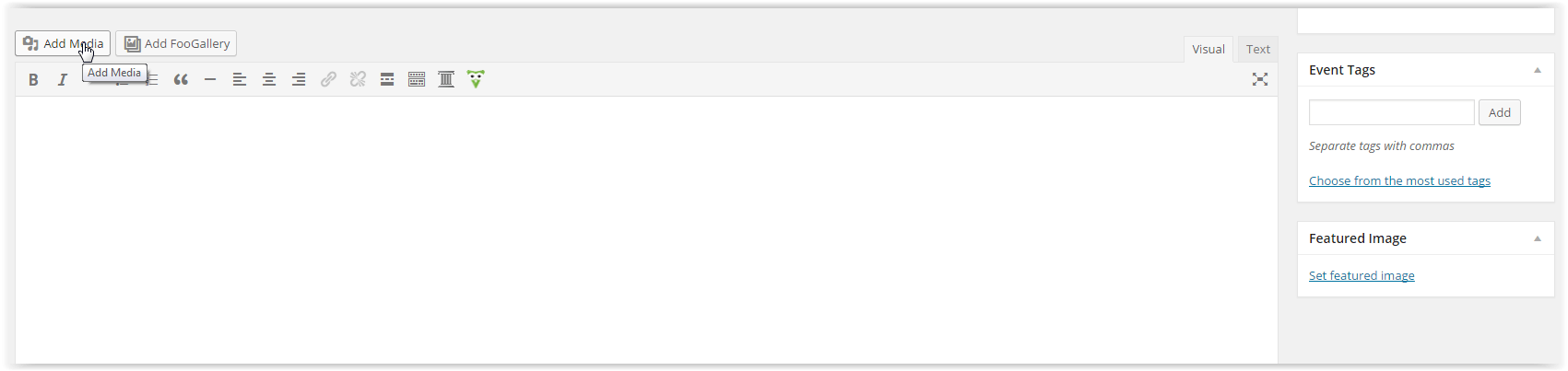
Finally scroll down to the Text Box at the bottom. If you wish to add an image click the Add Media button & upload an image from your computer (max size 400px x 400 px) and add any further text relating to the event AFTER the image. Then click Publish.